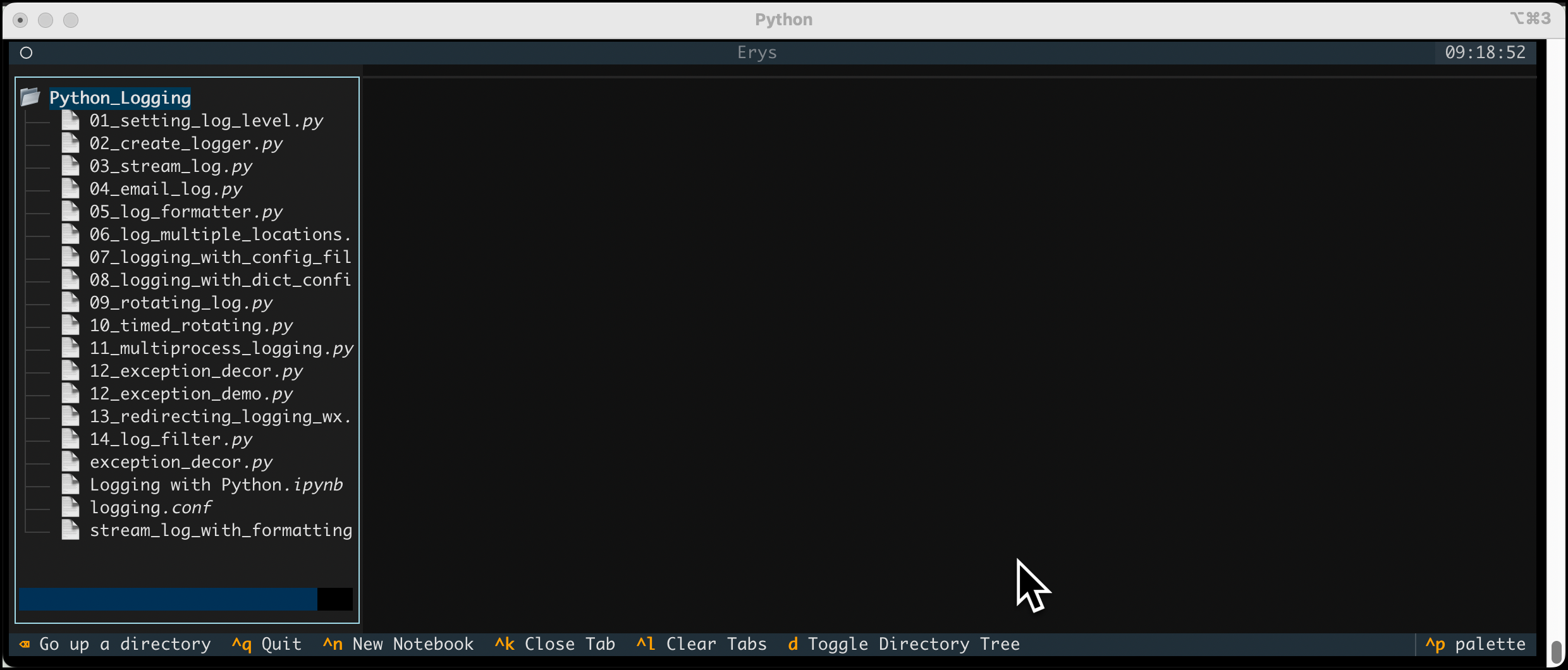
"Erys is written using the fantastic Textual package. While Textual handles the front-end in much the same way as your browser would normally do, the jupyter-client handles the backend, which executes your code and manages your kernel."
"The recommended method of installing Erys is to use the uv package manager. If you have uv installed, you can run the following command in your terminal to install the Erys application: $ uv tool install erys."
"Erys is a really neat TUI application that gives you the ability to view, create, and edit Jupyter Notebooks and other text files in your terminal. It's written in Python using the Textual package."
Erys is a terminal-based application that enables users to run, create, and edit Jupyter Notebooks. It utilizes the Textual package for the front-end and the jupyter-client for backend operations. Installation can be done via the uv package manager or pipx. Once installed, users can open existing notebooks or create new ones directly in the terminal. Erys is designed to enhance the user experience by providing a text-based interface for managing notebooks and other text files.
Read at Mouse Vs Python
Unable to calculate read time
Collection
[
|
...
]