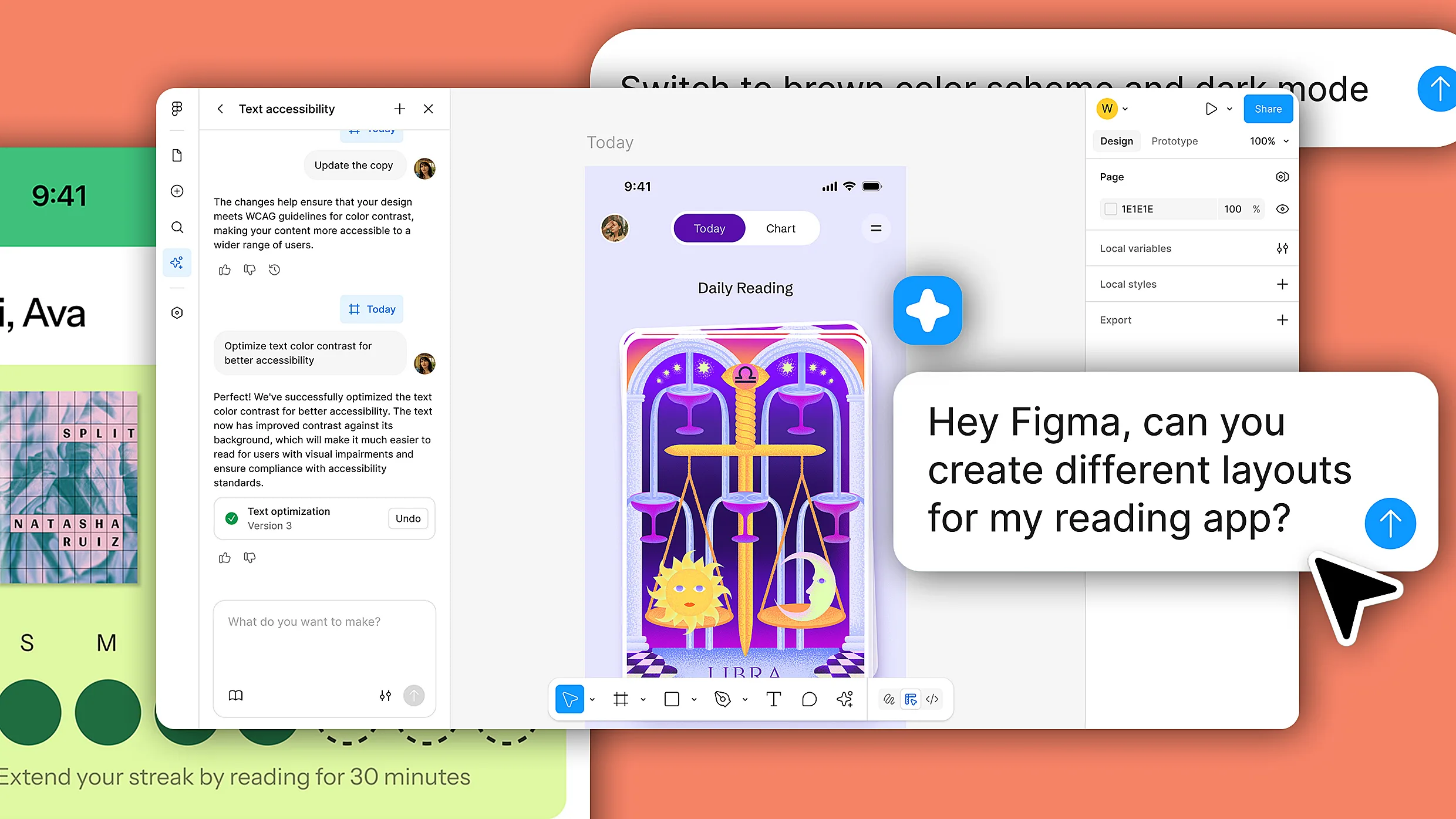
Figma introduced an AI agent built natively inside its collaborative design environment. The agent creates interface elements and reduces repetitive pixel-pushing while keeping creators focused. The update reworks the design board into an autonomous engine that enables marketing, engineering, and project supervision to participate in building prototypes. The system is powered by algorithms trained on UI architecture and Figma’s proprietary frameworks, bridging abstract vision to functional prototypes. The natural language tool is embedded in the workspace and tied to specific elements. Clicking an app screen shows a star indicator, signaling that visuals can be adjusted using natural language. The agent can generate initial design layers, explore multiple visual directions, change color palettes locally or globally, and format components in bulk.
"Figma announced an AI agent built natively inside its collaborative environment. Forget the disconnected, floating prompt boxes we've grown so tired of; this system gives you multiple digital assistants right on your digital drafting board in Figma Design. According to the company, it is capable of churning out interface elements and banishing the mindless drudgery of pixel-pushing, while keeping creators locked in their creative zone."
"With the update, Figma is fundamentally reengineering the digital drafting board into an autonomous engine. By throwing the gates wide open-inviting the marketing department, code-wranglers, and project supervisors to play architect-the company is reshaping the very definition of who gets to be a creator. Powered by a bespoke cocktail of algorithms educated specifically on UI architecture and the platform's proprietary frameworks, this agentic system bridges the perilous gap between an abstract vision and a concrete, functional prototype."
"Unlike other AI-powered UX exploration tools that create user interfaces using an isolated, sterile chat window that results in different screens for your app, Figma's agentic design product is much more granular and offers what appears to be full control of individual elements down to every radial button and icon. The natural language tool is embedded directly into Figma's workspace and its elements. When you click on an app screen in your canvas, a star appears next to it, signaling that you can adjust the visuals with natural language."
"It's not only about making incremental adjustments, however. You can prompt the agent to generate initial design layers, explore multiple visual directions, change color palettes to one element or screen, or many, globally. It can handle the tedious work of formatting components, sometimes in bulk, like changing the spacing in the progress bar mentioned be"
#ai-design-agents #ui-prototyping #natural-language-editing #figma-collaboration #component-formatting
Read at Fast Company
Unable to calculate read time
Collection
[
|
...
]